
Patient Portal
Manage your prescriptions and care online with the secure More Than Medicine patient portal.
Manage your care from any device
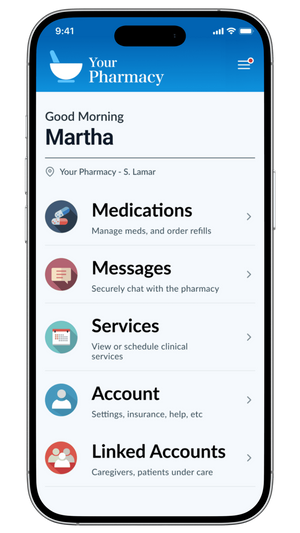
Our patient portal gives you easy access to essential pharmacy services — anytime, anywhere.
Request refills
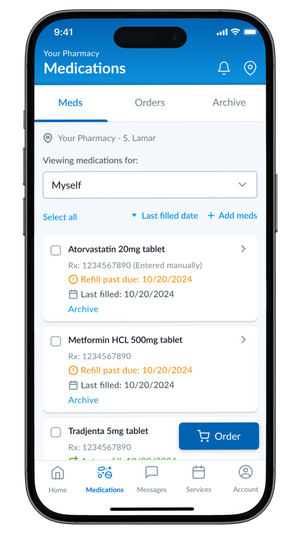
Reorder your prescriptions from your phone or computer, any time of day.
Message our team
Send questions to our pharmacy staff securely and get answers without a phone call.
Schedule appointments
Book a service at a time that works best for you.
Manage family members
Coordinate prescriptions and care for the whole family from one account.
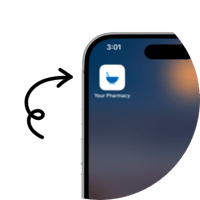
Access the Patient Portal from your home screen
It's quick and easy to install the Patient Portal to your device. Follow the step-by-step instructions to make our portal appear on your iPhone or Android home screen, so you can manage your care with just a single tap.
Frequently asked questions
What can I do in the patient portal?
The patient portal lets you refill prescriptions, request transfers, and view your medications online anytime, from any device.
How do I sign up for the portal?
Open the patient portal from this page to get started. If you need help signing up, call us at 580-772-2781 and we will walk you through it.
Is the patient portal secure?
Yes. The portal is provided through our pharmacy software partner and uses secure login to protect your account and prescription information.
Can I use the portal on my phone?
Yes. The patient portal works on phones, tablets, and computers, and you can add it to your home screen for quick access.
Ready to get started?
Access the portal to refill or manage your prescriptions today.